
An AI real estate CRM that asks first.
Keyvera AI reads your contracts, answers questions about your deals and takes care of small jobs. It shows you each change and waits for your OK.
No credit card required · Cancel any time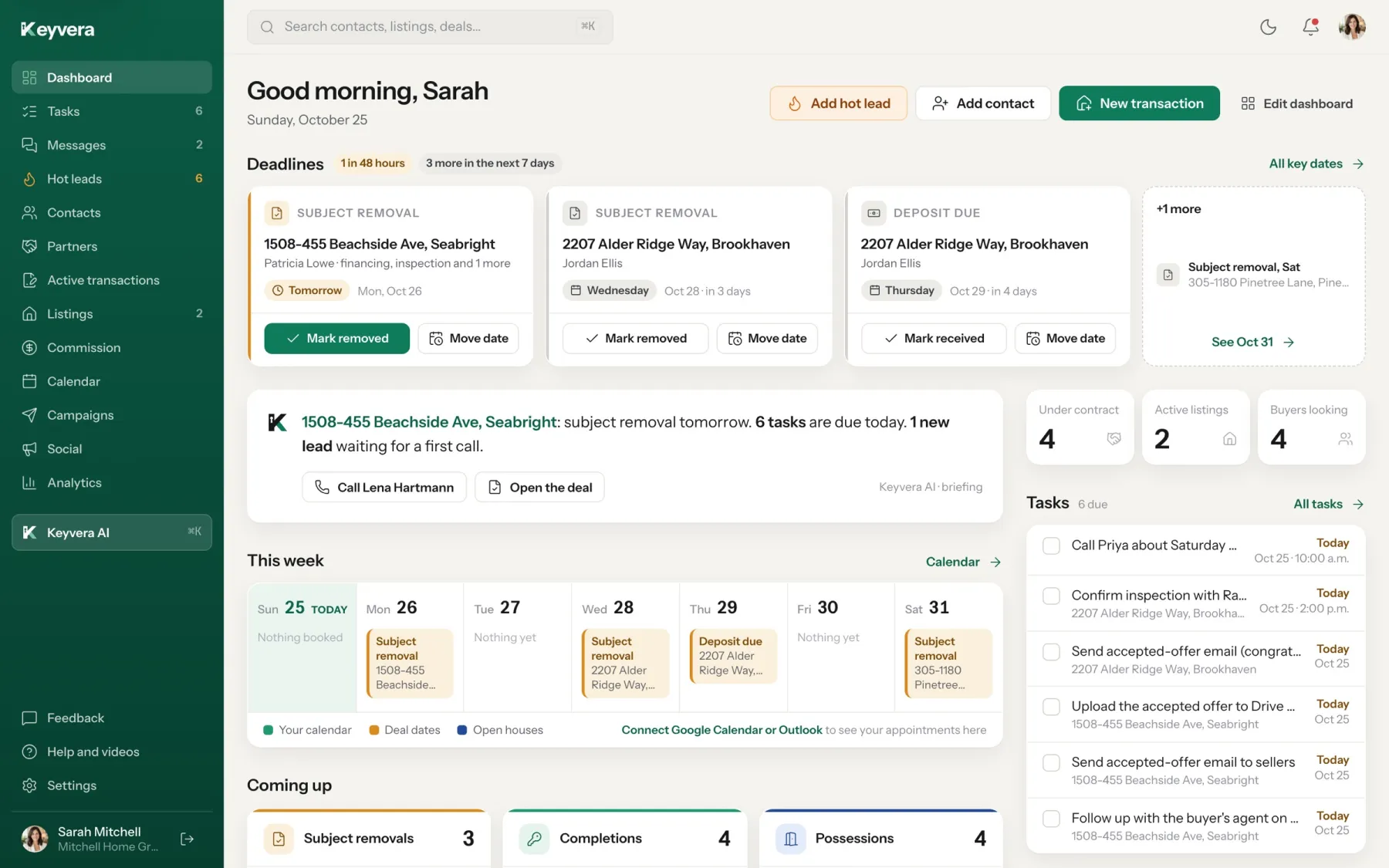
Three ways to use it
- 1
Let it read the paperwork
Upload an accepted offer or an MLS data sheet and Keyvera fills in the deal. Anything changed by hand or hard to read is flagged for you to check.
- 2
Ask it, inside Keyvera
Try "What's due today?" or "Remind me Friday to call Dana". It looks up contacts, deals and tasks. Before it changes anything, you see exactly what it will do and click Confirm or Cancel.
- 3
Bring the AI you already use
Connect Claude, ChatGPT, Grok or Muse to your account. Find a client, log a note, set a follow-up or start a listing by chat, or by voice where the app supports it.
What you can hand it
Deals
Create a deal, move its stage, add a task, or change a key date.
Reminders and follow-ups
Make a task with a date and time, or book a contact's next follow-up.
Calendar
Book a timed event on your connected Google Calendar.
Captions
Write a draft caption for a listing post, then edit it your way.
Portal updates
Draft a weekly client update from what is already on their portal. Nothing posts until you add it.
New clients
From Claude or ChatGPT, add a contact and put a buyer or seller straight on your hot list.
What it won't do
The built-in assistant can't send emails or texts, create contacts, run campaigns or change your settings. Connected AI apps can't delete anything, post to social media or email anyone but you. Keyvera never sells your data or uses it to train AI. If you connect an outside AI app, its own privacy settings apply there.
Questions
Is Keyvera AI included in the price?
Yes. Every seat adds to a monthly amount the whole team shares, and normal use stays well inside it. If it runs out, everything that isn't AI keeps working until it starts over on the 1st.
Will it change things without asking me?
The assistant inside Keyvera shows you each change and waits for you to click Confirm. Outside AI apps can only do what your own account can, and each has its own settings for asking first.
Which AI apps can I connect?
Claude, ChatGPT, Grok and Muse. Gemini works only where Google allows custom connectors, which doesn't include Canadian accounts yet. Claude needs a paid plan on its side.
Is my client data used to train AI?
Keyvera never uses your data to train AI. If you connect an outside AI app, check its data settings too.
Can it email or text my clients?
No. You write or review messages yourself, and you press Send.
More in Keyvera
Deal dates and transactions
Upload the accepted offer. Keyvera reads the dates, lines up the tasks and puts it all on your calendar.
See how it worksCommission tracking
Your take-home on every deal after split and fees, with GST or HST kept separate.
See how it worksClient portal
A private page for every deal that shows clients what's next and every key date.
See how it worksOpen house sign-in
A QR sign by the door that turns visitors into contacts, with a follow-up call waiting.
See how it works